









Every agent, live
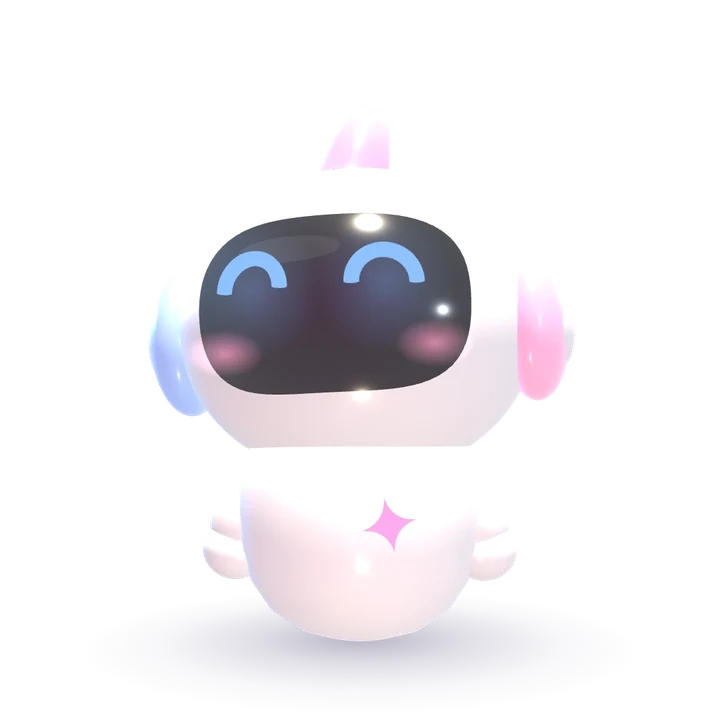
No more hunting through terminals. Each session has a face that shows what it is doing.
Winner, AI Day Noida 2026
Your MacBook’s notch, turned into a calm command center for your day. Timers, calendar, to-dos and music, one glance up, and your AI agents the moment they need you.Your notch, turned into a calm command center: your day one glance up, your AI agents the moment they need you.
Free to join. One email, the day it launches.
 Claude Code
 Codex
Codex Grok
GrokWorks best on MacAlso made for Windowsand Linux
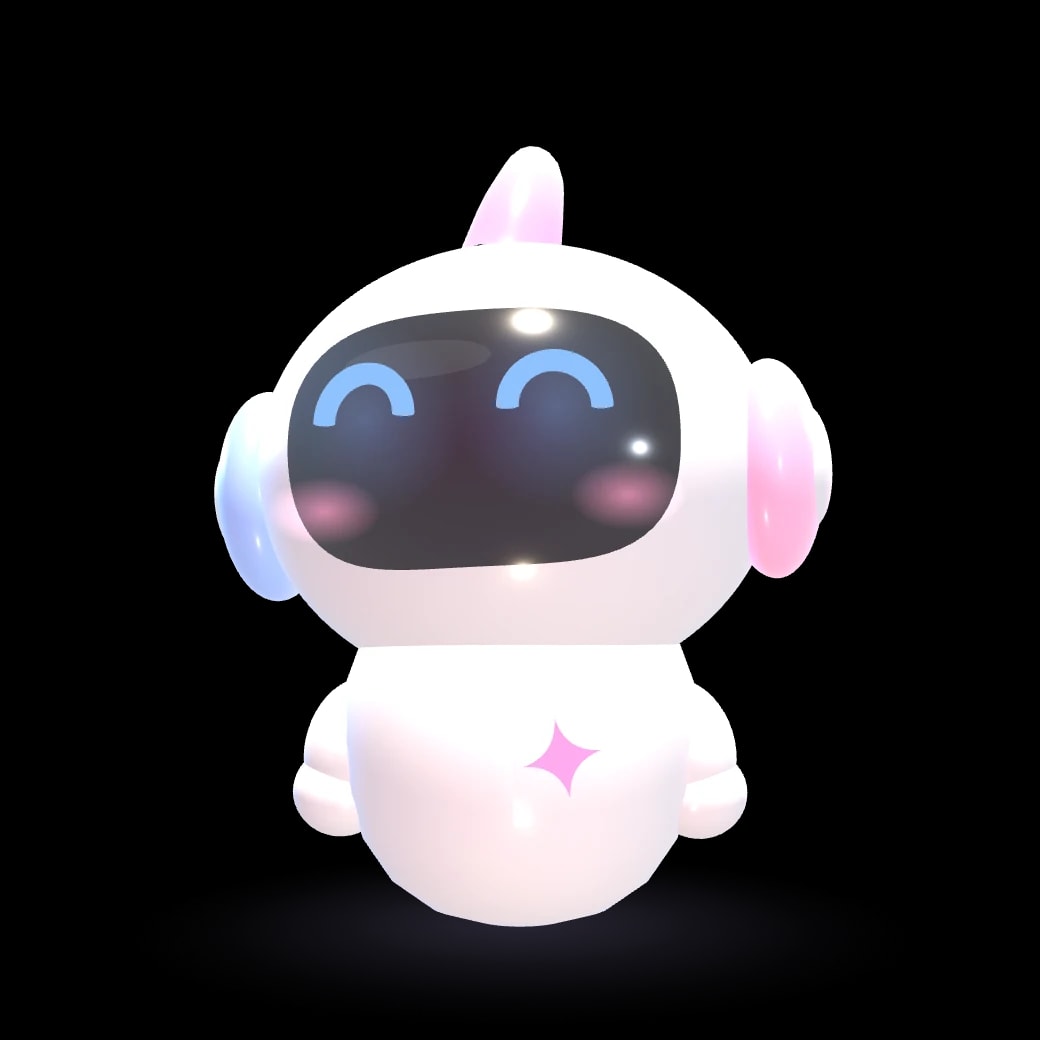
Everything you keep switching apps to check, in the one place you already look.
No more hunting through terminals. Each session has a face that shows what it is doing.
Stop checking every two minutes.
Pings wait for your break.
Drafts that never send without you.
Your real Apple Reminders, a glance up.
Lights and AC, without an app.
Something to do while it builds.
Ask out loud. It stays on your Mac.
Obsidian, read and written safely.
Private enough to trust: your keys and vault never leave your computer.
Everything you keep switching apps to check, in the one place you already look.
No more hunting through terminals. Each session has a face that shows what it is doing.
Stop checking every two minutes.
Pings wait for your break.
Drafts that never send without you.
Your real Apple Reminders, a glance up.
Lights and AC, without an app.
Something to do while it builds.
Ask out loud. It stays on your Mac.
Obsidian, read and written safely.
Private enough to trust: your keys and vault never leave your computer.
Let’s start with the most essential.
Music
Spotify, Apple Music, or whatever is playing. See the song, skip it, scrub it, and never leave what you are doing.
Crowny is almost ready. Get it the day it launches.
Soon. one computer, yours to keep
The first 10 licences go at the founding price. The list hears first: one email, the day Crowny launches.
Best on a Mac with a notch (Apple Silicon, macOS 13 or later). Also made for Windows and Linux.

Crowny has the answers. Anything else? Write to us.

It works best on a Mac: it is made for the notch, on any Mac with Apple Silicon and macOS 13 or later, and on a Mac without one it sits as a small pill under the menu bar. It is also made for Windows and Linux.
Yes. Crowny watches the Claude Code, Codex and Grok sessions you start yourself, in Terminal, iTerm, Ghostty or Warp, and reads each one’s state from its own status and transcript. Nothing to wrap or configure.
No. You pay once for a licence on one computer, and every update in version 1 is included. No account, no monthly fee.
No. At rest it uses about a tenth of one percent of a single core, and it draws nothing when nothing needs drawing. It runs on your Mac alone, with no server of ours in between.
One computer. The key binds to it the first time you activate, and you can reinstall on it as often as you like. Another computer needs its own licence.
Agents, Time, Play, Reminders, Today and Notes work without one. Voice answers and mail drafts use your own Anthropic key, added in Setup.
Only what you connect: ordinary mail goes to Anthropic with your key for triage, and one-time passwords, bank and UPI mail never do. There is no Crowny server in between.
Yes. Tap “Have a code?” on the licence card before you buy. If a code is refused, you are told why and nothing is charged.
Write to us within 14 days of buying for a full refund. No questions beyond which email you paid with.
The launch build is signed but not yet notarised, so macOS stops it the first time. Open System Settings, then Privacy & Security, scroll down and choose Open Anyway next to Crowny. After that it opens like any app.